Guestroom Sign Co · specification guide
Preparing bilingual wayfinding proofs
A bilingual wayfinding proof needs to preserve what a destination is called and where the guest should go from the sign's actual viewing position. Approve both language versions with the responsible language reviewer, then approve the arrow and destination grouping against the reviewed route. Translating the words does not determine the correct direction, and mirroring a layout does not automatically create the correct second-language sign.
Reviewed 2026-09-05 · AI-assisted editorial review. General buying guidance; illustrative scenarios are not customer case studies. Images are AI-generated concepts.
Keep stable destination references behind the translated wording. If a meeting room has an approved name in each language, use those same references in the directory, corridor signs and room identity. A guest should be able to follow one destination through the property without encountering unexplained naming changes between signs.
Keep complete strings and their language context
W3C explains that right-to-left text can contain left-to-right runs such as numbers or Latin-script text. That narrow text-direction principle is relevant when a sign includes a room number, brand name or code inside a translated phrase. The W3C material concerns digital text handling; it is not a fabrication or physical-sign standard.
For proofing, retain the approved complete string and ask a qualified reviewer to check its displayed order in the actual artwork. Do not manually reverse characters or rearrange punctuation to make a screenshot look plausible. The source text and the visible result need to remain connected so a later update can be reproduced correctly.
Store language identity with each field instead of labeling columns merely first line and second line. A language name or agreed code helps the designer and reviewer understand which source belongs in which position. Keep pronunciation notes or internal translation discussion outside the actual engraving or print fields so they cannot accidentally appear on the finished sign.
Sources: World Wide Web Consortium: Authoring HTML: Handling Right-to-left Scripts
Establish destination names before laying out every sign
Create an approved destination glossary for the project. Each entry can include a stable destination reference, the guest-facing name in each language and any fixed number or proper name that should remain unchanged. Ask the property and language reviewers to resolve inconsistencies before the same destination is placed across many proofs.
Decide how to treat a branded room name, an amenity description and an instruction. They may require different language choices. A room called Cedar can be a proper name rather than a request to translate the word for a tree. A phrase directing guests to reception is functional information. The reviewer should establish the intended treatment rather than leaving each designer to make an independent choice.
Keep approved abbreviations explicit. A shortened form may be acceptable for a particular display, but it should not be invented solely to make a line fit. If the full approved wording does not fit the proposed layout, return the problem to the design and language reviewers together. Record the selected wording so the next sign uses the same solution.
Review arrows from the actual approach
Mark the sign's location and viewing side on the relevant plan or annotated context view. For each face, list the destination reference and approved direction. A double-sided assembly may need different arrows because guests approach it from opposite sides. Copying the front artwork onto the reverse can produce a visually consistent but incorrect instruction.
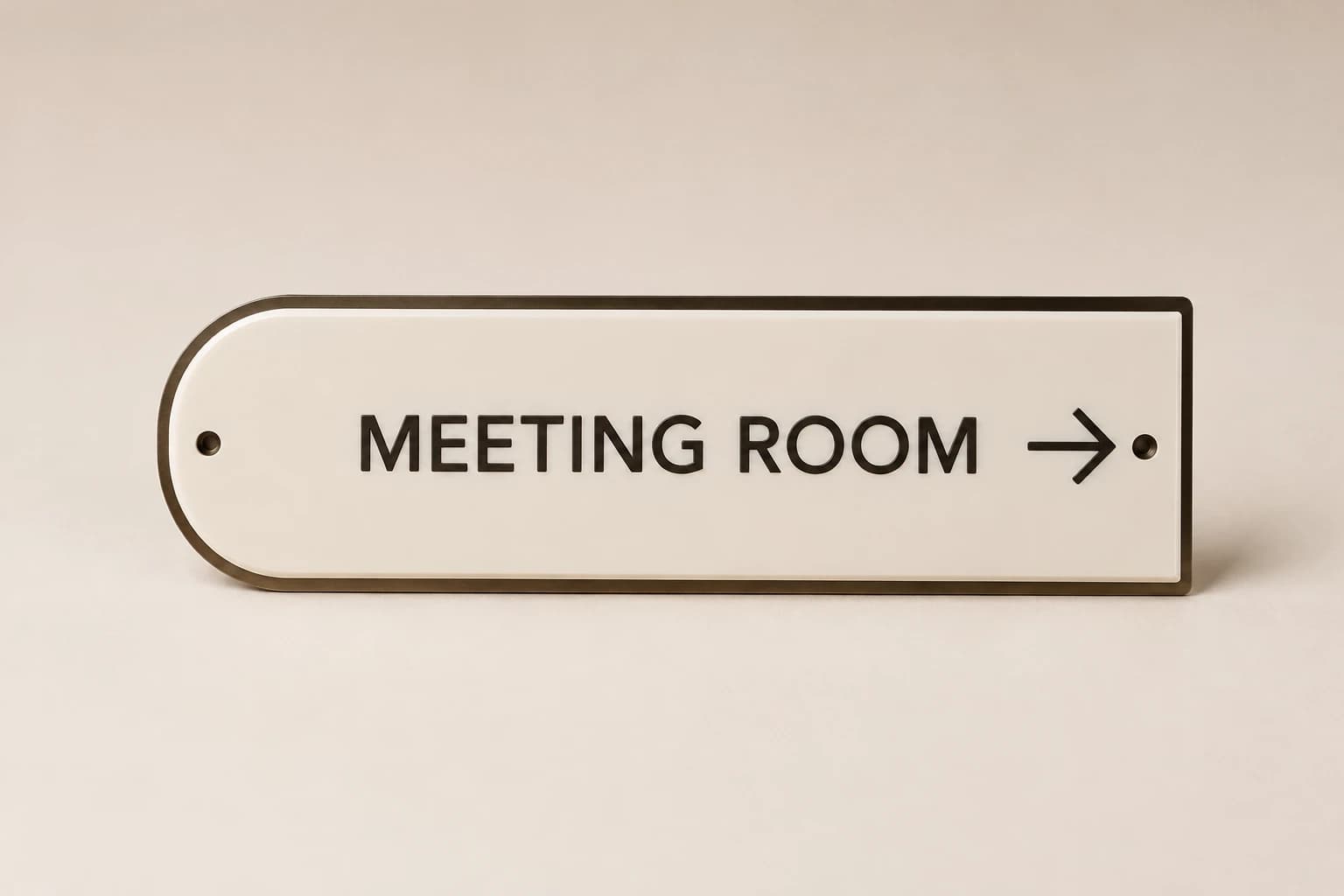
Keep arrow review independent of text reading direction. The arrow represents the route through the property. A language that reads differently does not by itself change where the destination lies. Ask the responsible wayfinding reviewer to approve the combination of wording, arrow and grouping for the actual approach.
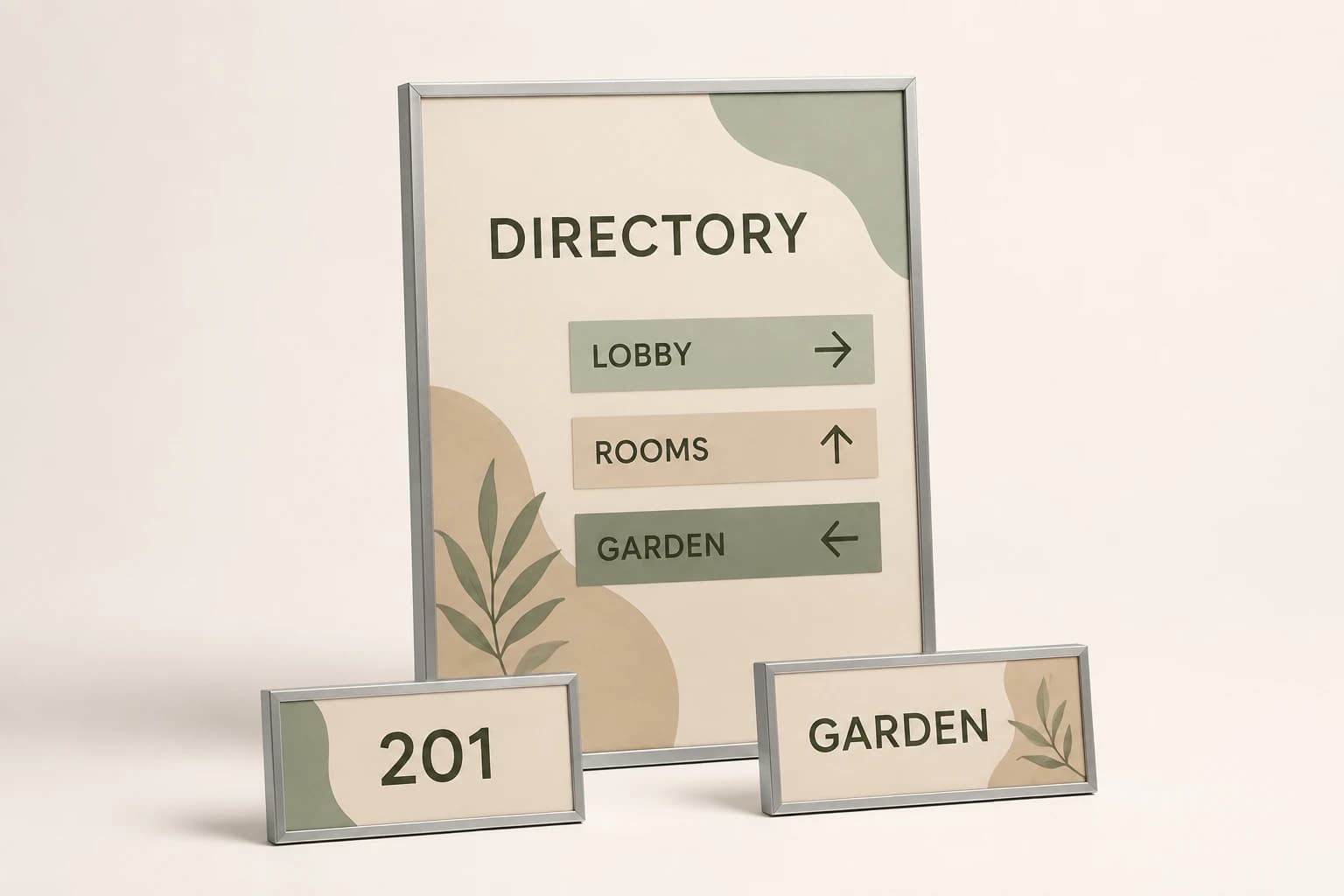
For stacked destinations, check the association between each arrow and its message. A decorative divider or unusual alignment can make it unclear whether an arrow applies to one line or the entire group. Resolve that in the actual-size proof and the project layout review, rather than assuming the designer's intent will be obvious to an unfamiliar guest.
Illustrative example: eight assemblies and twelve face records
Imagine four single-faced corridor signs and four double-sided direction assemblies. The physical order contains eight complete assemblies. The face register contains four single faces plus eight faces on the double-sided objects, or twelve face records. Each face has two approved language strings for its destination message in this simplified example, creating twenty-four language entries to review.
The calculator is set to eight units with one complete object each and no extras, so it returns eight pieces. It does not treat twenty-four language entries as twenty-four signs. The downloadable example separates assembly quantity, faces per assembly and language entries per face. For a real project, expand the groups into the exact location, destination, arrow and language records.
If three destination names appear on one face, that face needs more text entries without becoming three physical signs. Likewise, a correction to one translated name can affect several faces. Use the destination reference to find every occurrence and issue an updated proof set rather than correcting only the first visible example.
These counts are assumptions for a fictional project. They do not establish how many languages, directions or signs a real hotel needs. The approved location plan and language requirements determine that scope. The example shows how to prevent different review units from becoming confused with the quantity being manufactured.
Count the complete sign objects in this example
Load the fictional count described in the article, then replace it with your approved inventory. Keep faces, inserts and frames in the separate component schedule.
Method: Multiply entered room or unit count by pieces per unit and add explicitly entered shared pieces and spares. The result does not establish assembly contents, mounting or accessibility compliance.
Build your plan
Inventory is separate from design compliance. Supply the sign schedule, mounting locations and applicable requirements for review.
Use the article’s example files
This fictional schedule demonstrates the article’s method. Replace the property, room and artwork references with your approved project information before requesting production.
Review these layers without substituting one for another
Keep these distinctions visible in the project schedule and quote.
| Option | What the reference describes | What still needs confirmation |
|---|---|---|
| Destination glossary | Approved names in each language and stable destination references. | The route direction from a particular sign position. |
| Language proof | Spelling, meaning and displayed text order in the proposed artwork. | Correct mounting location or complete accessibility review. |
| Face-direction record | Which message and arrow are approved for one viewing approach. | A second physical assembly for every language. |
| Actual-size layout | How the paired text and symbols occupy the proposed visible area. | A guarantee that character count alone establishes readability. |
| Release register | The approved versions and reviewers for the final set. | Permission to reuse an obsolete translation after a destination change. |
Review representative extremes before the complete set
Choose proofs that include the longest destination name, a short name, mixed scripts, numbers and any punctuation patterns present in the actual source. Review them in the proposed sign size and visible area. A single short English sample does not establish that the bilingual family will work across the property.
Avoid forcing both language strings into identical character counts. Different scripts and wording can occupy different physical widths, and a character total does not determine a balanced layout. Ask the designer to propose spacing and hierarchy that preserve both approved messages, then have the language reviewer examine the resulting artwork.
If text must be outlined or converted for production, retain an editable approved source and review the final production output as well. The last conversion step can be a different file from the proof that a reviewer first saw. Keep the release record specific enough to identify the exact output being approved rather than an earlier screenshot.
Apply a correction to every affected occurrence
When a destination translation changes, search the schedule by its stable reference and identify all affected faces. Some may use the complete name while others use an approved abbreviation. Record which forms change and circulate the revised proofs together. A partial update can leave guests following two different names for the same space.
If the route changes but the destination name does not, update the face-direction records and review the arrows. Do not retranslate unaffected wording simply because a sign moves. Keeping these fields separate allows the team to focus review on the actual change while still checking the complete final sign.
For a supplier handoff, name the current glossary, location plan and artwork revisions. Mark old proofs as superseded and retain them only in the history. The active production folder should contain one clearly approved set, with unresolved items held separately rather than mixed into apparently final artwork.
Verify the delivered faces against the released records
On receipt, match each object or insert to its assembly and face references. Check that the delivered language pair and arrow arrangement correspond to the approved proof for that location. Two pieces with the same dimensions can carry different route information; swapping them to simplify packing can create an error that a total count will not reveal.
Report a discrepancy using the exact sign and face reference, proof revision and affected field. Keep the source text intact while the issue is investigated. If a correction is needed, approve the revised production output and update the retained record so a later replacement does not reproduce the same error.
For future reorders, send the current destination and location references along with the approved artwork. A photograph of an old sign can be useful context, but it should not override a more recent translation or route change in the property's controlled schedule.
Hotel signage planning questions
Should arrows be mirrored for a right-to-left language?
The arrow must represent the approved route from the actual viewing position. Review text direction and wayfinding direction separately. Do not mirror the physical instruction automatically because the language changes.
Does each language require another sign?
Not necessarily. A single approved face can contain more than one language. Count physical assemblies, faces and language entries separately, then confirm the actual design and project requirements.
Can I shorten the translation to fit?
Have the responsible language and design reviewers approve the shortened form. Do not remove words or rearrange characters solely to fit an unreviewed line limit.
What makes a bilingual proof ready to release?
The approved language strings, destination references, face-specific arrows, visible layout and applicable project review must agree in one identified artwork revision. A correct translation alone is not the full sign approval.
Explore the collection’s design direction
This existing narrated collection overview introduces the product designs. It provides visual background; the specific decision, comparison and worked example are in the article above. Images are original concepts rather than completed customer orders.
25-second overview
Plan hotel room and guest information signs
Build the hotel sign schedule around actual rooms and locations. Separate permanent identification from changing guest information. Confirm arrows, viewing positions and project requirements with the property team. Describe cleaning and mounting, then group the pieces by installation phase. Save the approved schedule and insert dimensions for future room or event updates.
Prepare your brief and request a written quote.
Bring this decision into your design brief
Choose a relevant product direction and include the measurements, quantity, approved wording and delivery destination for your project. We can then develop a specific design and quote around those requirements.
Sources and scope
The sources below support the cited technical details. The ordering workflows are editorial recommendations. Your project specification, price and schedule are established in the written quote and approved proof.
- World Wide Web Consortium: Authoring HTML: Handling Right-to-left Scripts · checked 2026-09-05
Which buying guide should you read next?
All buying guidesA useful sign schedule connects every physical sign to a floor, location, message and artwork revision. Count room plaques and shared wayfinding separately.
One double-sided sign can have two information faces while remaining one complete object. Count assemblies, inserts and artwork versions separately before comparing quotes.
Plain-language walkthrough of 2010 ADA Standards sections 216 and 703 for hotel signs: which signs are tactile, what a tactile sign involves, mounting and latch-side rules, and how a decorative Guestroom Sign Co plaque pairs with a separately sourced tactile sign, with no compliance claim and a clear note that braille is not made.
Use one location schedule per property, with exact room identifiers, sign functions and face directions. Keep permanent room plaques separate from directional and changeable information. A common visual identity does not mean every corridor or mounting surface needs the same sign.