Guestroom Sign Co · specification guide
Permanent room identity and changeable event information
A permanent room identity tells guests which space they have reached. Event information tells them what is happening there at a particular time. Keep the stable identity recognizable while giving changing details a clearly defined update area or separate display. This lets the hotel change an event name or timetable without accidentally replacing the room's established name, number or other required identification.
Reviewed 2026-09-05 · AI-assisted editorial review. General buying guidance; illustrative scenarios are not customer case studies. Images are AI-generated concepts.
Choose the arrangement by how the property operates. A meeting room that hosts several events a day may need a different update method from a private dining room that changes its displayed program occasionally. Describe the frequency, person responsible and source of approved event information before selecting a holder, insert or proposed custom layout.
Keep the sign’s purpose visible in the design review
The U.S. Access Board guide distinguishes permanent room identification from directional and informational sign content. This is a United States category distinction, not a complete specification for your property. Have the responsible project reviewer identify the requirements that apply to the actual room identity and any additional information.
Do not assume that placing all content on one decorative panel gives every field the same role. A stable room name and a changing event title may need different approval and replacement processes. The design brief should identify which content remains fixed, which changes, and which physical elements are reviewed as part of the permanent sign system.
For properties outside the United States, use the requirements identified for that location. A globally available fabrication service does not make one country's sign arrangement universally suitable. Retain the project requirements with the design so later staff do not replace a carefully reviewed identity element with an improvised event notice.
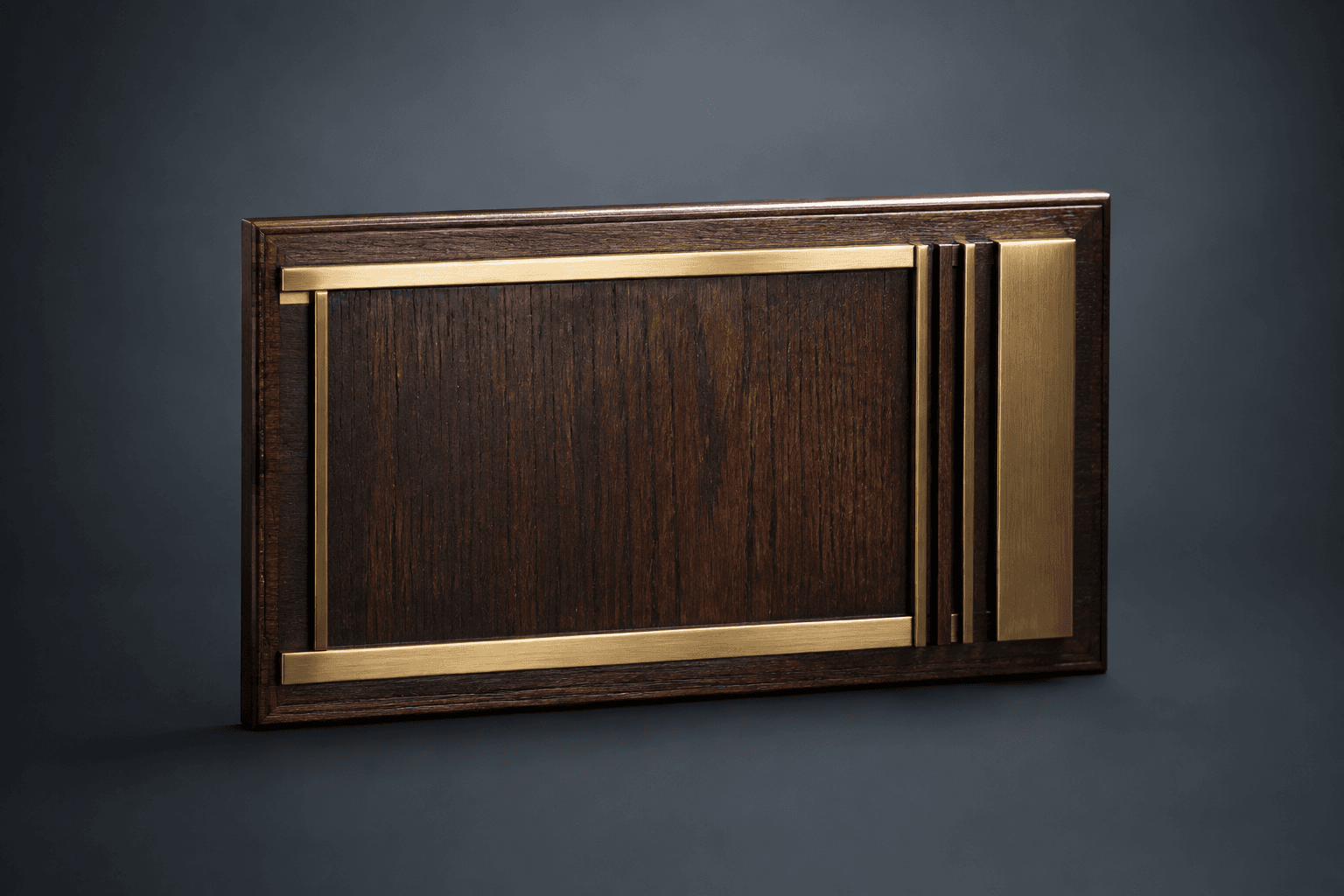
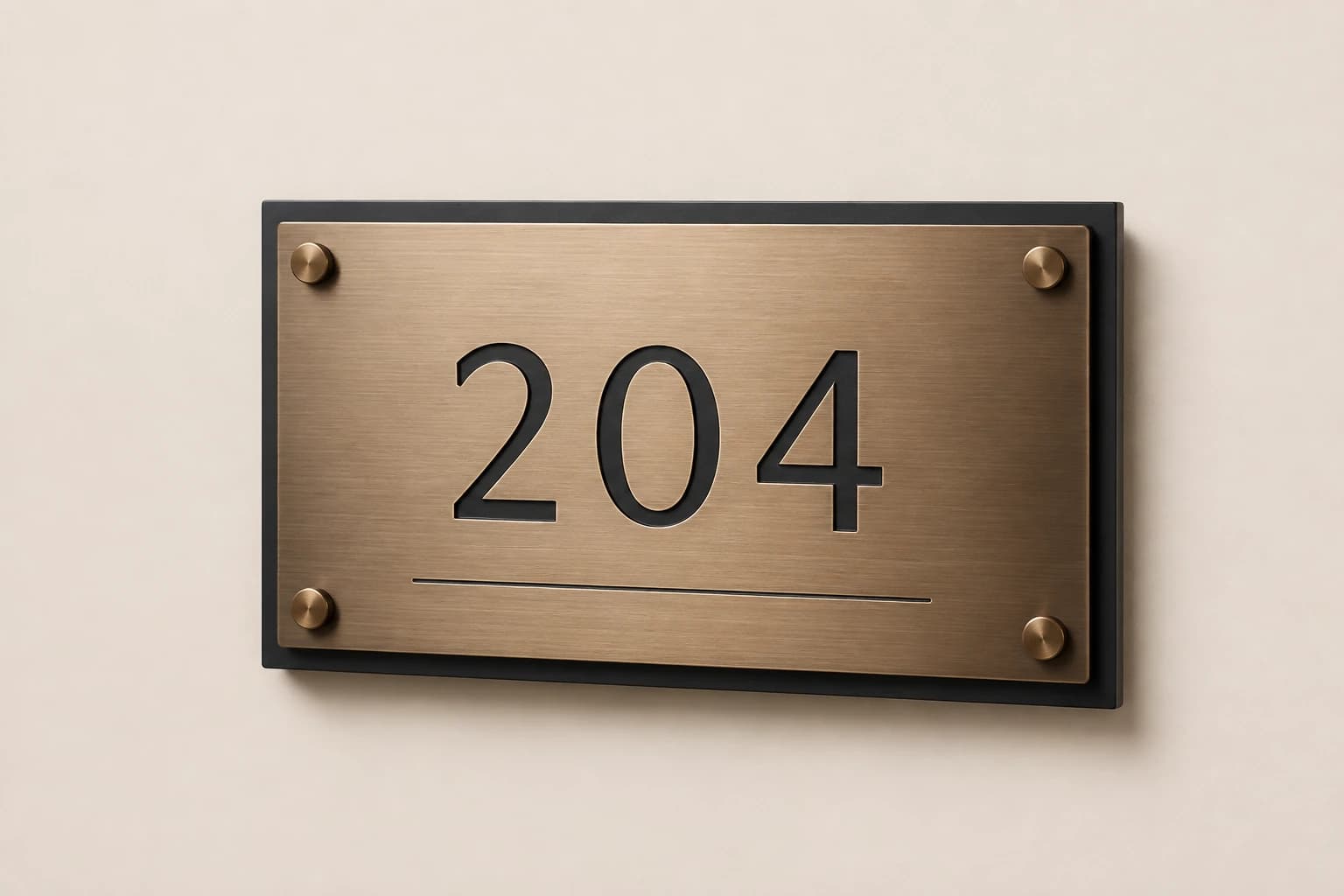
Sources: U.S. Access Board: Chapter 7: Signs
Design the update method around the real work
Ask who changes the message and what they can reasonably do between events. An update that requires a specialist design file every time may be unsuitable for a busy front-desk workflow. A loosely improvised paper notice may be easy to change but inconsistent with the intended display. Describe the operational need and ask for a proposed construction that supports it.
For an insert-based concept, confirm the insert dimensions, visible opening, access method and how the approved layout is retained. For a directly marked fixed panel, understand that changing the message may require another physical piece rather than a quick content edit. Do not call a design changeable unless its actual construction and update process have been specified.
Test the workflow with the people who will maintain the display. Give them a representative event title, a longer title and a cancellation scenario. The exercise should reveal whether the content can be prepared, checked, installed and removed using the proposed method. Record unresolved steps before approving a full set of displays.
Keep one current event record for every room and time
Use the hotel's authorized event schedule as the source for public room, event, date and time information. Keep a stable room reference behind the guest-facing wording. If two booking records use different informal names for the same space, resolve that before preparing signs. A consistent room identity helps guests connect the event display with directions elsewhere in the property.
Separate event wording approval from layout approval. The events team may confirm the title and time while the design owner approves the visual arrangement. A beautiful proof can still contain yesterday's schedule. Include the event reference and intended display period in the working record so the reviewer can check the content against the current booking information.
Avoid placing unnecessary private information on a public display. Use the wording authorized for guests rather than copying an internal booking note, contact number or confidential meeting description into the layout. The sign's purpose is to guide the intended audience, not reproduce the entire operational record.
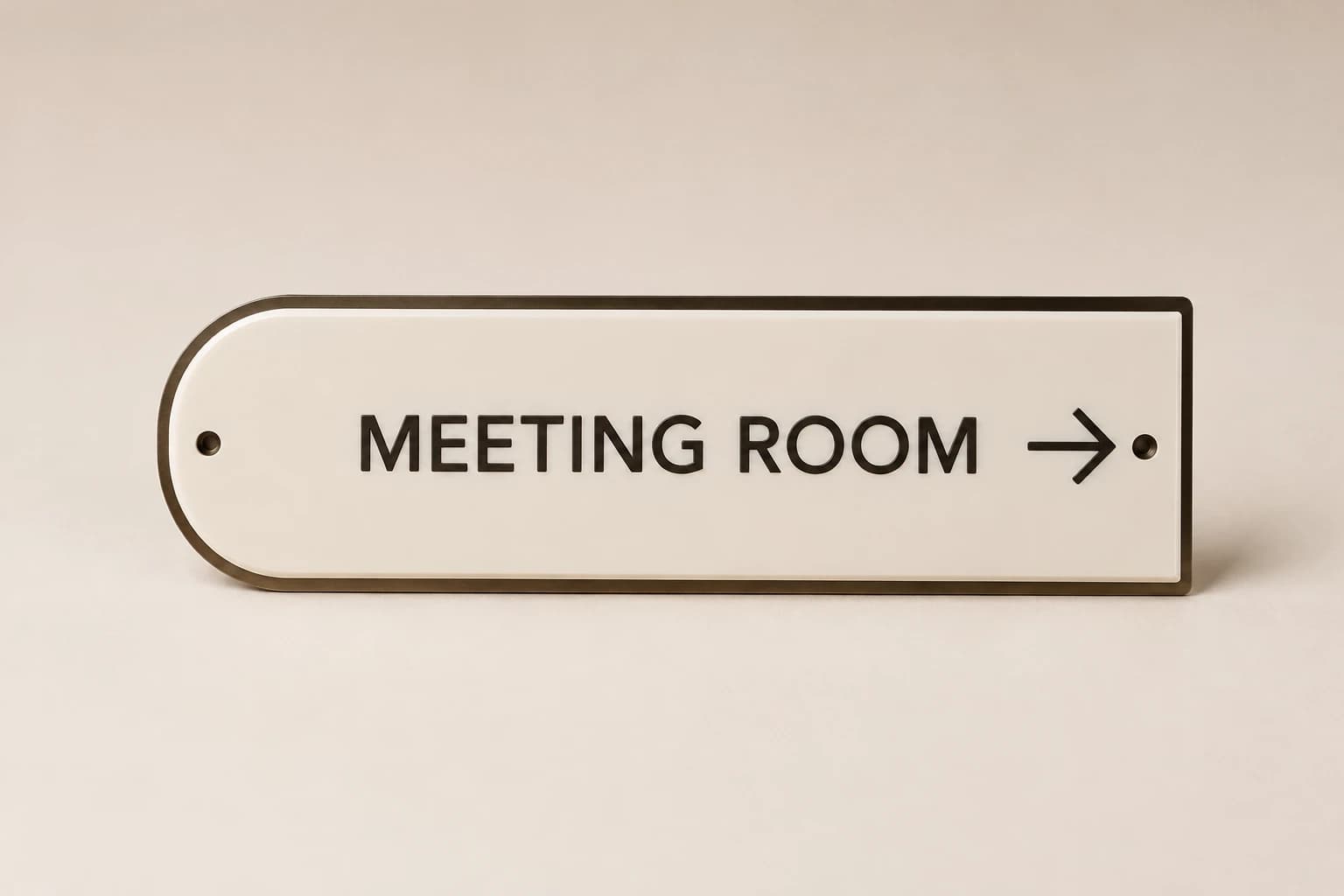
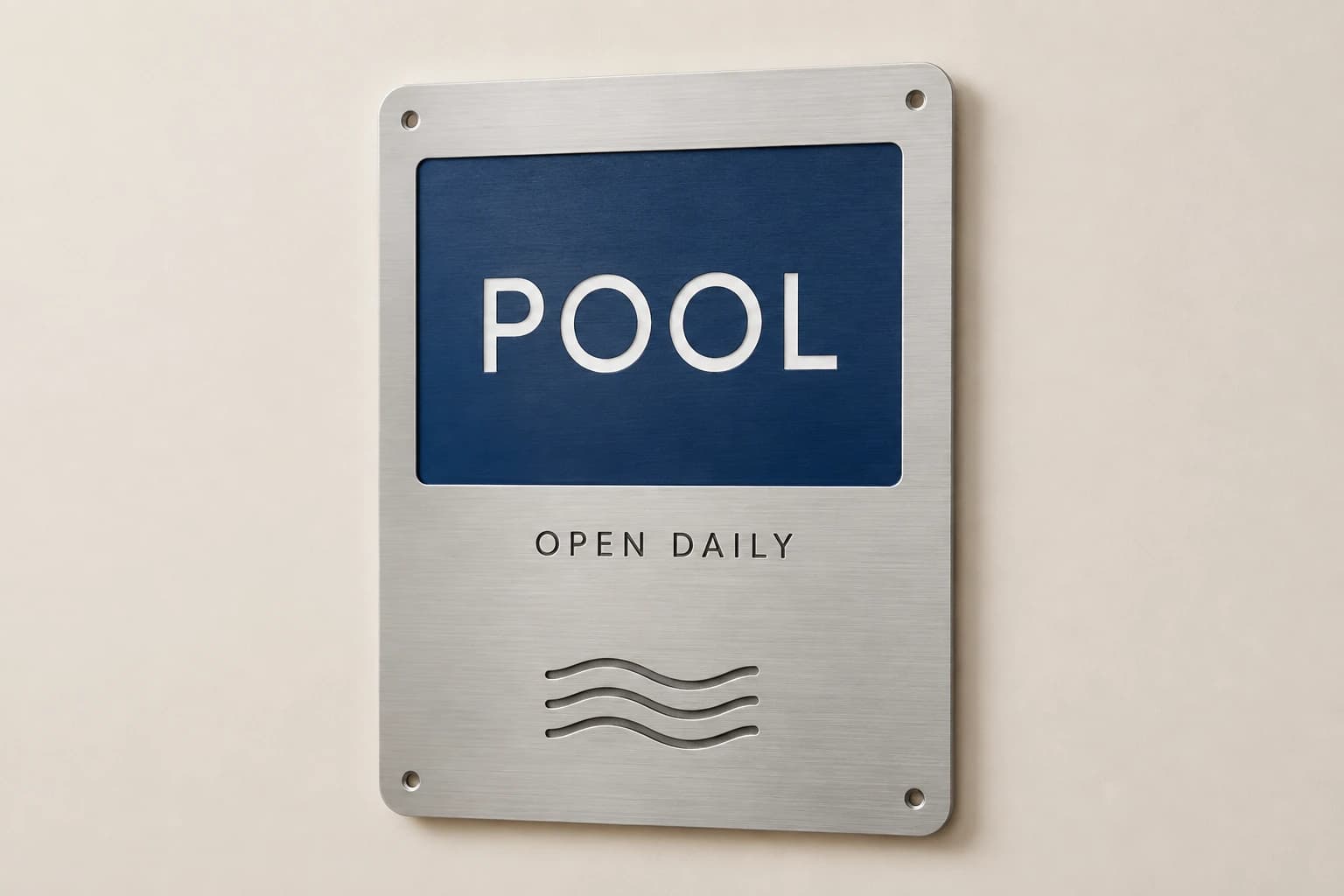
Illustrative example: six room identities and six update displays
Imagine six fictional meeting rooms. The approved design uses one stable identity plaque for each room and one separate event-information holder beside it. The initial physical order contains six identity plaques plus six holders, or twelve complete objects. The event graphics placed in those holders are a separate consumable or production scope, depending on the chosen arrangement.
Load the calculator with six room units, two objects per room and no shared-area extras or spares. The result is twelve. The downloadable file splits the two object groups and states which information is stable and which is changeable. It does not claim that every meeting room needs this arrangement or that a particular mounting layout is compliant.
Suppose the first week includes eighteen event notices across those six rooms. Eighteen notices do not mean eighteen additional holders. If the selected construction uses replaceable printed inserts, the initial notice quantity is eighteen inserts, subject to the approved size and production method. The holder count remains six unless more physical display positions are added.
A canceled event changes the current content and removal task, not the room's permanent identity. If the hotel combines two rooms for an event, review the guest-facing message and route using the actual approved room arrangement. Do not create a new permanent room name merely to accommodate one temporary booking.
Count the complete sign objects in this example
Load the fictional count described in the article, then replace it with your approved inventory. Keep faces, inserts and frames in the separate component schedule.
Method: Multiply entered room or unit count by pieces per unit and add explicitly entered shared pieces and spares. The result does not establish assembly contents, mounting or accessibility compliance.
Build your plan
Inventory is separate from design compliance. Supply the sign schedule, mounting locations and applicable requirements for review.
Use the article’s example files
This fictional schedule demonstrates the article’s method. Replace the property, room and artwork references with your approved project information before requesting production.
Choose what changes and what remains stable
Keep these distinctions visible in the project schedule and quote.
| Option | What the reference describes | What still needs confirmation |
|---|---|---|
| Fixed room identity | The enduring name or number selected for the room. | Applicable project requirements and approved physical placement. |
| Separate event holder | A defined location for changing event information. | Actual insert size, update access and contents included in the order. |
| Replaceable graphic | The approved message for a particular display period. | A new complete holder every time the message changes. |
| Combined custom assembly | Fixed and changeable elements designed together. | Clear separation of their functions and a workable update method. |
| Temporary notice | A specific short-term communication. | Permission to cover stable identification or retain expired information. |
Keep the changing message recognizable without crowding it
Prepare the update template using realistic event titles and time formats supplied by the hotel. A short sample title can make an area look generous while a longer approved title exposes a layout problem. Review representative extremes before fixing the size and construction of the display.
Keep hierarchy consistent: room identity, event title and time should have clearly understood roles. Avoid squeezing every new title into an arbitrary one-line limit. Ask for an approved approach to longer wording, such as a reviewed second line or a different text arrangement. The exact choice should preserve the message and fit the actual visible area.
If the display is bilingual, retain approved text for each language and test the complete paired layout. An update should not remove one language because the new event title is longer. Treat that as a design exception requiring review, and keep the source text intact while resolving the physical arrangement.
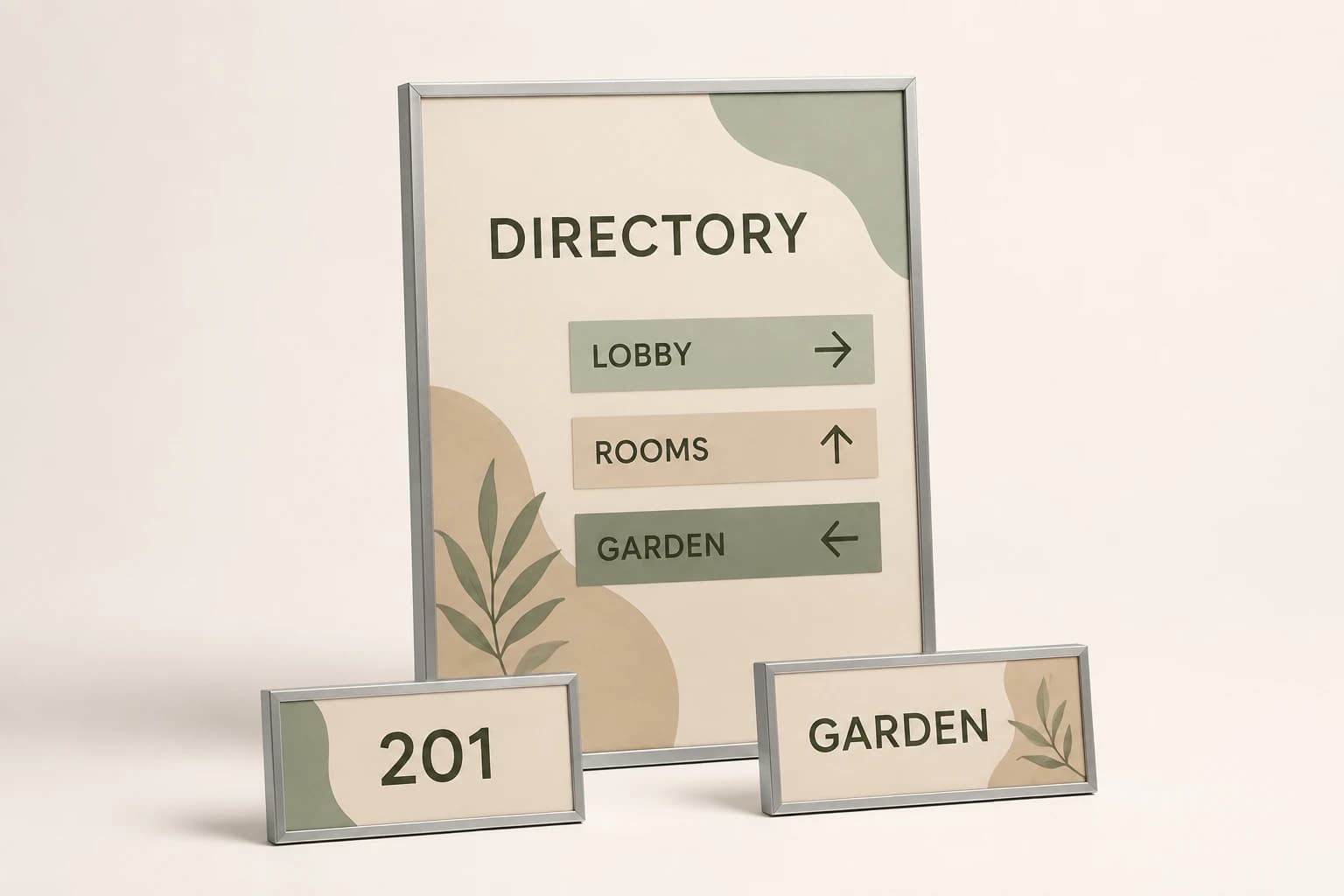
Make removal part of the update, not an afterthought
Give each temporary message an intended start and end period and assign responsibility for removing or replacing it. An expired event notice can remain physically tidy while directing guests to information that is no longer current. A useful operating record therefore includes the content state, not only whether the holder is installed.
Define what the display should show when no event is scheduled. It may be an approved neutral state or an empty holder, depending on the design and property preference. Decide this during setup instead of leaving staff to improvise conflicting messages between events.
For late changes, update the source schedule first and identify the affected display. If a room changes, review any related direction notices as well as the destination holder. Record the old message as superseded so it is not printed again from an earlier email attachment. The same room reference should connect the booking update to the physical display task.
Order replacement parts using the actual construction record
Retain the dimensions and references for the fixed plaque, holder and replaceable graphic separately. A damaged holder, a renamed permanent room and a routine event update require different orders. A generic request for another meeting-room sign leaves the supplier to guess which layer is needed.
If the hotel adopts a new brand style, review whether existing holders can accept revised graphics and whether the permanent identity system needs a separate redesign. Reusing a holder may be useful where the approved dimensions and requirements still fit, but visual similarity alone does not establish compatibility.
When requesting a quote, describe the initial complete-object quantity, any initial insert batch, intended update process and replacement needs. Ask for current construction and commercial details against that scope. This gives the property a clear basis for evaluating the setup and ongoing maintenance burden without relying on a misleading price per sign.
Hotel signage planning questions
Does every event need a new sign assembly?
Not if the approved design uses a reusable holder or another specified update method. Count the complete display objects separately from changing graphics and confirm which components are included in the quote.
Can an event notice cover the room name?
Keep the stable identity recognizable and have the responsible reviewer approve the arrangement. A temporary message should not casually replace or obscure the room-identification system.
Who should approve a last-minute event change?
Use the authorized event source and the responsible content owner. Preserve the room reference, update the affected message and remove the superseded version. Layout changes may need separate design review.
What should I retain for later replacement orders?
Keep separate references for the fixed plaque, holder, insert dimensions and approved templates. State whether you need a component, a complete assembly or only new event graphics.
Explore the collection’s design direction
This existing narrated collection overview introduces the product designs. It provides visual background; the specific decision, comparison and worked example are in the article above. Images are original concepts rather than completed customer orders.
25-second overview
Plan hotel room and guest information signs
Build the hotel sign schedule around actual rooms and locations. Separate permanent identification from changing guest information. Confirm arrows, viewing positions and project requirements with the property team. Describe cleaning and mounting, then group the pieces by installation phase. Save the approved schedule and insert dimensions for future room or event updates.
Prepare your brief and request a written quote.
Bring this decision into your design brief
Choose a relevant product direction and include the measurements, quantity, approved wording and delivery destination for your project. We can then develop a specific design and quote around those requirements.
Sources and scope
The sources below support the cited technical details. The ordering workflows are editorial recommendations. Your project specification, price and schedule are established in the written quote and approved proof.
- U.S. Access Board: Chapter 7: Signs · checked 2026-09-05
Which buying guide should you read next?
All buying guidesA useful sign schedule connects every physical sign to a floor, location, message and artwork revision. Count room plaques and shared wayfinding separately.
One double-sided sign can have two information faces while remaining one complete object. Count assemblies, inserts and artwork versions separately before comparing quotes.
Plain-language walkthrough of 2010 ADA Standards sections 216 and 703 for hotel signs: which signs are tactile, what a tactile sign involves, mounting and latch-side rules, and how a decorative Guestroom Sign Co plaque pairs with a separately sourced tactile sign, with no compliance claim and a clear note that braille is not made.
Use one location schedule per property, with exact room identifiers, sign functions and face directions. Keep permanent room plaques separate from directional and changeable information. A common visual identity does not mean every corridor or mounting surface needs the same sign.